Pick your tracks off a map and the Series Planner puts the road trip together: the order, the weather and events at each stop, and directions in Google Maps for the drive. Here is how to use it, step by step.
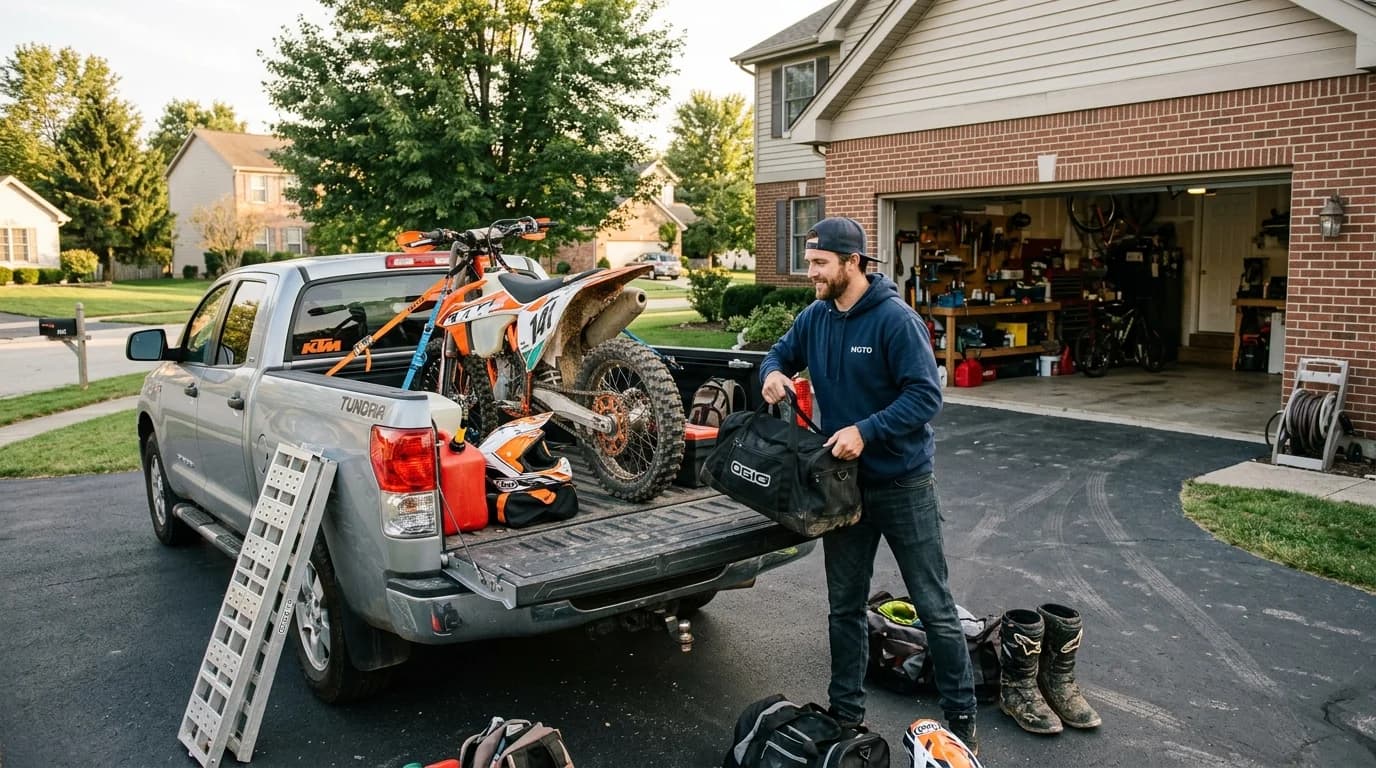
There is a version of every rider's summer that never quite happens: the road trip. A long weekend, a few tracks you have always wanted to hit, one truck, and a loose plan. The riding was never the hard part. The planning was. Which tracks, in what order, how far apart, and what is even happening while you are out there.
That is what the Series Planner is for. Pick your tracks off a map, put them in order, and when it is time to drive, hand the whole trip to Google Maps. Click through the steps below to see it, using a real trip through six Southern California tracks.
Series Planner, step by step
Step 1 of 8
1. Open the planner
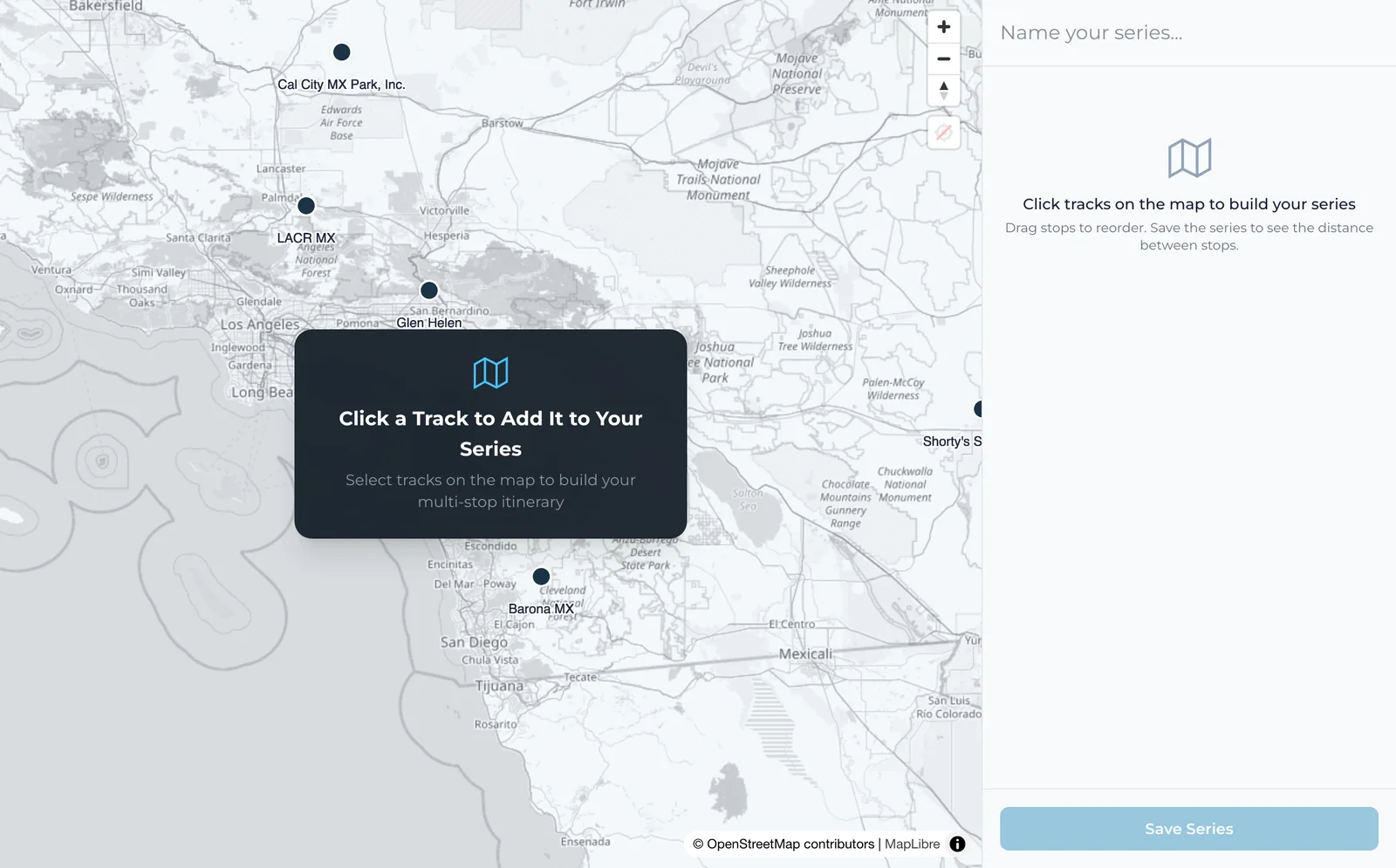
Go to the Series Planner and zoom into where you want to ride. Every dot on the map is a track in the Full Throttle directory.
Or open the finished example: the Southern California trip
All steps as text
- Open the planner. Go to the Series Planner and zoom into where you want to ride. Every dot on the map is a track in the Full Throttle directory.
- Click a track to add it. Each track you click becomes the next stop, numbered on the map and listed on the right. This trip starts with Glen Helen, Perris Raceway and Lake Elsinore.
- Build out the trip. Keep clicking. This trip adds Cahuilla Creek, Fox Raceway and Barona MX. Open any stop to see its weather and add notes. Races and events near a track show there too when there are some on the calendar, and passes when the track sells them on TrackPass.
- Name it and save it. Give the series a name and press Save Series. Saving needs a free Full Throttle account. If you are not signed in, the planner sends you to sign in and keeps your stops while you do.
- See how far apart the stops are. Once it is saved, the planner shows the distance between stops and for the whole trip. These are straight-line distances, as the crow flies, so the drive itself will be longer.
- Choose who can see it. A new series is private: only you can see it. Switch it to Public and anyone you send the link to can open it.
- Take it on the road. Get Directions opens the whole trip in Google Maps, every stop in order, with the real driving route. Calendar downloads the trip with one all-day event per stop. Share copies the link.
- Or start from someone else's trip. Open any public series and press Save a Copy. It lands in your planner as your own private series, ready to change.
What the Series Planner is
The Series Planner is a multi-stop road-trip builder for motocross. You choose tracks on a map, and it puts them into an ordered itinerary, called a series. Every stop shows the weather, races and events near the track when there are some on the calendar, and passes when the track sells them on TrackPass. There is room for your own notes at each stop. When you are done you have a plan you can drive, save, and share, not a note in your phone you will lose by Thursday.
You can build one in a couple of minutes.
The best trip is the one you actually take
Most great moto road trips die in the group chat. The Series Planner takes the friction out of the planning so the trip has a chance to happen. Pick a weekend, open the map, and start clicking tracks.
Build your series